
Loading...
> docs/self-hosting-vs-clawhosters
Self-hosting vs ClawHosters
4 min read
Advanced
Last updated March 05, 2026
Comparing Your Options
OpenClaw is open source, which means you can run it on your own infrastructure. ClawHosters offers a managed alternative where we handle the server, security, and maintenance for you. This page compares both options to help you decide.
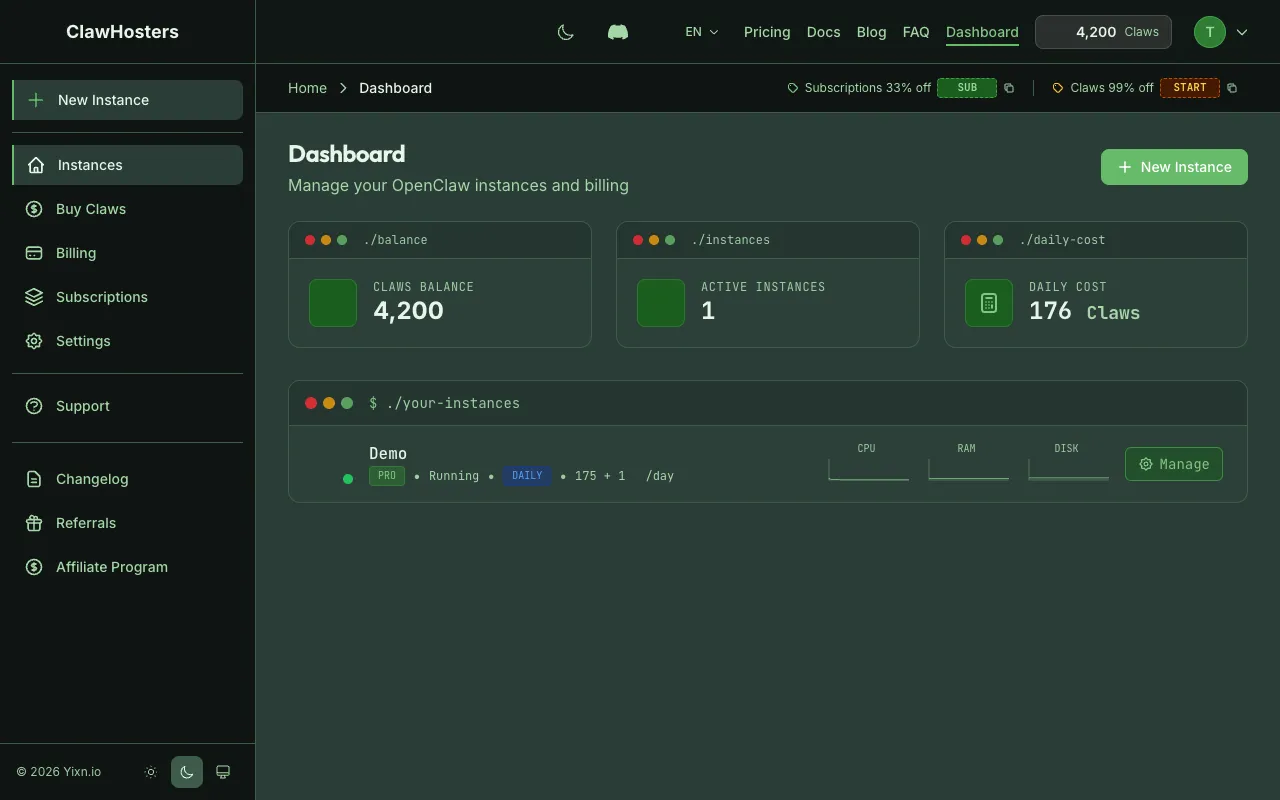
Quick Comparison
| Aspect | Self-hosting | ClawHosters |
|---|---|---|
| Setup time | Hours to days | Under 5 minutes |
| Server management | You handle it | We handle it |
| Security updates | Manual | Automatic |
| Docker image updates | Manual pull | Pre-pulled in snapshots |
| Firewall configuration | Manual | Pre-configured |
| Brute force protection | Manual setup | Pre-configured |
| Monitoring | Set up yourself | Built into dashboard |
| Cost | VPS cost + your time | Fixed tier pricing |
| LLM management | Provide your own keys | Managed tiers available |
| Channel support | Configure yourself | Dashboard-based pairing |
| Backups | Set up yourself | Automatic snapshots |
| SSH access | Always available | Optional, on request |
When Self-hosting Makes Sense
Self-hosting is the right choice when:
- Full control matters. You want root access to everything, including the host system, not just the container
- Custom infrastructure. You need to integrate OpenClaw into an existing server setup or network
- Specific compliance requirements. Your organization requires hosting in a specific country or on specific hardware
- Already running Docker. You have existing Docker infrastructure and operational expertise
- Cost optimization at scale. Running many instances on a single server can be cheaper than individual managed instances
When ClawHosters Makes Sense
ClawHosters is the right choice when:
- Quick setup. You want to start using OpenClaw without spending time on infrastructure
- No server experience. You do not want to manage Linux servers, Docker, or firewalls
- Managed LLM access. You want LLM access without managing API keys (Eco, Standard, Premium tiers)
- Reliable security. You want firewall rules, brute force protection, and security updates handled automatically
- Dashboard management. You prefer a web interface for starting, stopping, and monitoring your instance
- Channel pairing. You want easy Telegram and WhatsApp integration through the dashboard
Cost Comparison
Self-hosting costs:
| Component | Approximate Cost |
|---|---|
| VPS hosting (e.g., 2 vCPU, 4 GB RAM) | Varies by provider |
| Your time for setup | 2-4 hours |
| Your time for maintenance | 1-2 hours/month |
| LLM API keys | Varies by provider |
ClawHosters costs:
| Tier | Cost | What is Included |
|---|---|---|
| Budget | 19 EUR/month | 2 vCPU, 4 GB RAM, managed hosting |
| Balanced | 35 EUR/month | 4 vCPU, 8 GB RAM, managed hosting |
| Pro | 59 EUR/month | 8 vCPU, 16 GB RAM, managed hosting |
The price difference covers server management, security, monitoring, and support. Whether that's worth it depends on how you value your time and technical comfort level.
What You Give Up with ClawHosters
Choosing managed hosting means accepting some limitations:
- No root access to the host. You get SSH access to the container, not the underlying VPS
- Fixed tier options. You cannot choose arbitrary CPU/RAM combinations
- Hetzner Falkenstein only. All instances run in Hetzner's Falkenstein data center in Germany
- Docker image is managed. You use the community-maintained OpenClaw Docker image, not a custom build
- Port restrictions. SMTP and IRC ports are blocked for security (see Network Security)
What You Give Up with Self-hosting
Running your own setup means handling everything yourself:
- Security is your responsibility. Firewall rules, updates, intrusion detection
- No automatic backups. You need to set up snapshot or backup solutions
- No dashboard. Managing the instance requires SSH and command-line skills
- Channel pairing is manual. Setting up Telegram and WhatsApp requires more configuration
- LLM keys are your problem. You need to obtain and manage API keys yourself
- Downtime is on you. If the server goes down at 3 AM, you are the one who fixes it
Can I Switch Later?
Yes. See the Migration Guide for instructions on moving between self-hosting and ClawHosters in either direction.
Related Docs
- Architecture Overview. How ClawHosters works internally
- Migration Guide. Moving to or from ClawHosters
- Choose Your Tier. Tier comparison for ClawHosters
- Security Overview. Security measures included with ClawHosters
Related Documentation
What is ClawHosters?
Managed OpenClaw Hosting ClawHosters is a managed hosting platform for OpenClaw AI assistants. Y...
Architecture Overview
How ClawHosters Works ClawHosters is a managed hosting platform for OpenClaw, an open-source AI ...
LLM Add-on (BYOK vs Managed)
How LLM Works on ClawHosters Every OpenClaw instance can use a large language model for conversa...
