
Loading...
> docs/delete
Deleting an Instance
4 min read
Instances
Last updated March 05, 2026
Overview
Deleting an instance permanently removes the server and all data. The Hetzner VPS is destroyed, the subdomain becomes unavailable, and all configuration is wiped. The instance record is soft-deleted in the system and retained for billing history.
This action cannot be undone. There is no recovery process for deleted instances.
Before You Delete
Before proceeding with deletion, take these steps:
- Back up any configuration you want to keep. Save API keys, gateway tokens, messenger tokens, and LLM provider keys. These are permanently lost once the instance is deleted.
- Note your settings if you plan to create a new instance later. Your tier selection, messenger configurations, and custom settings will need to be reconfigured from scratch.
- For monthly subscriptions, cancel the subscription first. You cannot delete a monthly-billed instance while the subscription is still active. See the monthly billing section below.
Deleting a Daily-Billed Instance
Daily-billed instances can be deleted at any time from the instance dashboard.
Steps:
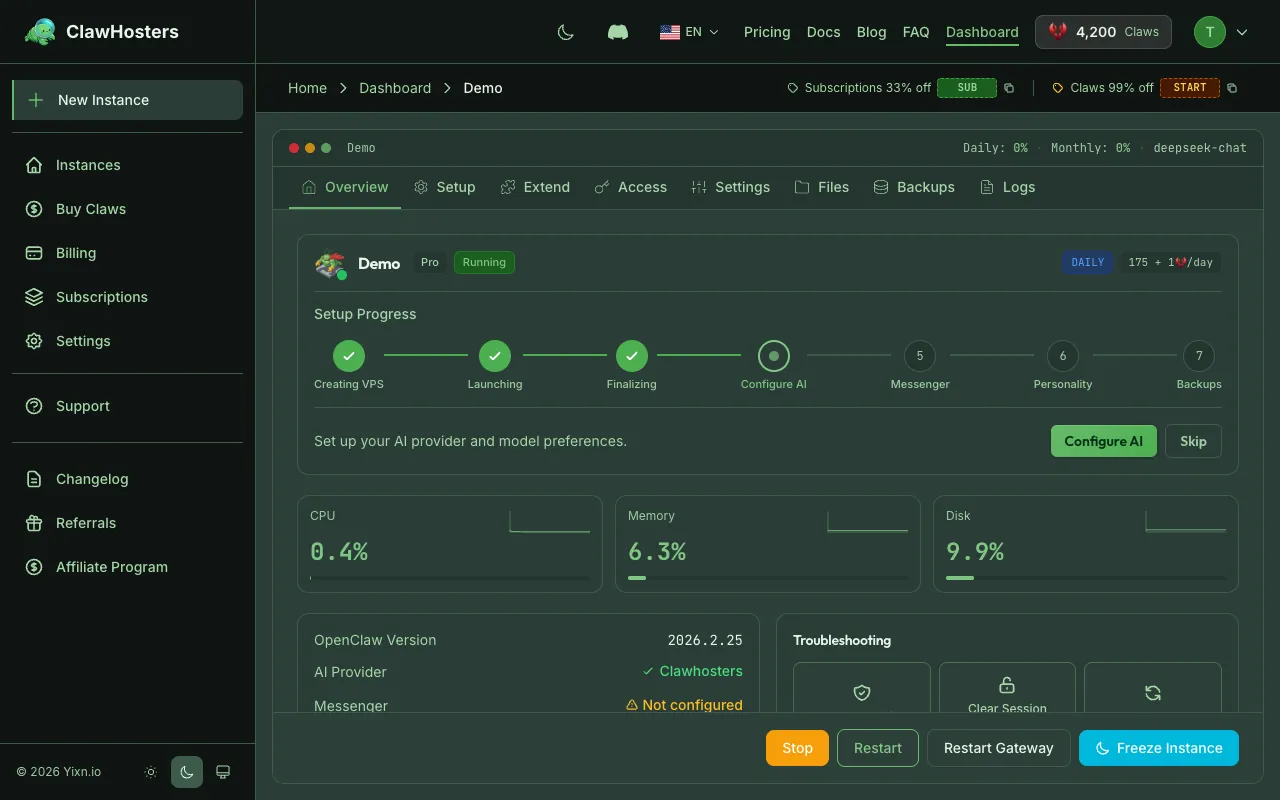
- Go to your instance dashboard
- Scroll down to the Danger Zone section
- Click Delete Instance
- Read the warnings carefully
- Type the instance name to confirm
- Click Confirm
The instance is removed within seconds.
What gets permanently deleted:
- All data on the server (files, configuration, chat history, logs)
- All configuration and settings (API keys, tokens, messenger configs)
- The subdomain URL becomes unavailable
Deleting a Monthly-Billed Instance
Monthly-billed instances require you to cancel the subscription before deletion.
Steps to cancel the subscription:
- Go to Billing
- Click Manage Subscription
- Cancel your subscription in the Stripe Customer Portal
After cancellation:
- Your instance continues running until the end of the current billing period
- Once the billing period ends, the Delete Instance button becomes available in the Danger Zone
- Follow the same deletion steps as daily-billed instances
You cannot skip ahead and delete before the billing period ends. The instance remains active and usable until then.
When You Cannot Delete
Certain conditions prevent deletion:
| Condition | Reason |
|---|---|
| Instance is paused | Resume the instance first, then delete |
| Monthly subscription is active | Cancel the subscription first |
| Instance is provisioning (monthly only) | Wait for provisioning to complete |
| Instance is deploying (monthly only) | Wait for deployment to complete |
| Instance is already deleting or deleted | Deletion is already in progress |
Daily-billed instances can be deleted in any state except paused, deleting, or deleted.
If your instance is stuck in a state that prevents deletion, contact support for assistance.
Setup Fee Refund
This applies to daily-billed instances only.
If the instance never reached "running" status (meaning it is stuck in provisioning, deploying, deploy_failed, or error), the setup fee is automatically refunded as Claws credits to your account.
Setup fee refund amounts by tier:
| Tier | Refund Amount |
|---|---|
| Budget | 150 Claws |
| Balanced | 300 Claws |
| Pro | 450 Claws |
If the instance was running at any point, no setup fee refund is issued. The setup fee covers the initial server provisioning and is non-refundable once the instance has operated successfully.
What Happens During Deletion
The deletion process follows these steps:
- Instance status changes to "Deleting"
- Subdomain is removed from routing
- Hetzner VPS is destroyed
- Instance is marked as deleted in the system
- The entire process takes a few seconds
After Deletion
- The instance disappears from your dashboard
- Daily billing stops immediately. Monthly billing stops at the end of the billing period.
- Transaction history remains accessible in your billing section
- The subdomain cannot be reused immediately
- Deletion cannot be undone
You can create a new instance at any time from your dashboard. The new instance will have a fresh IP address and subdomain, and you will need to configure everything from scratch.
Related Documentation
- Instance Overview. Instance statuses, lifecycle, and tiers
- Rebuilding an Instance. Factory reset without deleting
- Cancellation and Refunds. Subscription cancellation and refund policy
- Troubleshooting Common Issues. Solutions for frequent problems
Related Documentation
Cancellation and Refunds
Cancelling a Monthly Subscription Monthly subscriptions are managed through the Stripe Custome...
Starting and Stopping Instances
Managing Your Instance Once your instance is running, you can start, stop, and restart it from t...
Creating Your First Instance
What You'll Set Up An instance is a dedicated server running OpenClaw, provisioned exclusively f...
