
Loading...
> docs/privacy
Data Handling and Privacy
5 min read
Security
Last updated March 12, 2026
What Data We Handle
ClawHosters stores different types of data in different locations. This page breaks down exactly what is stored where, who can access it, and how it is protected.
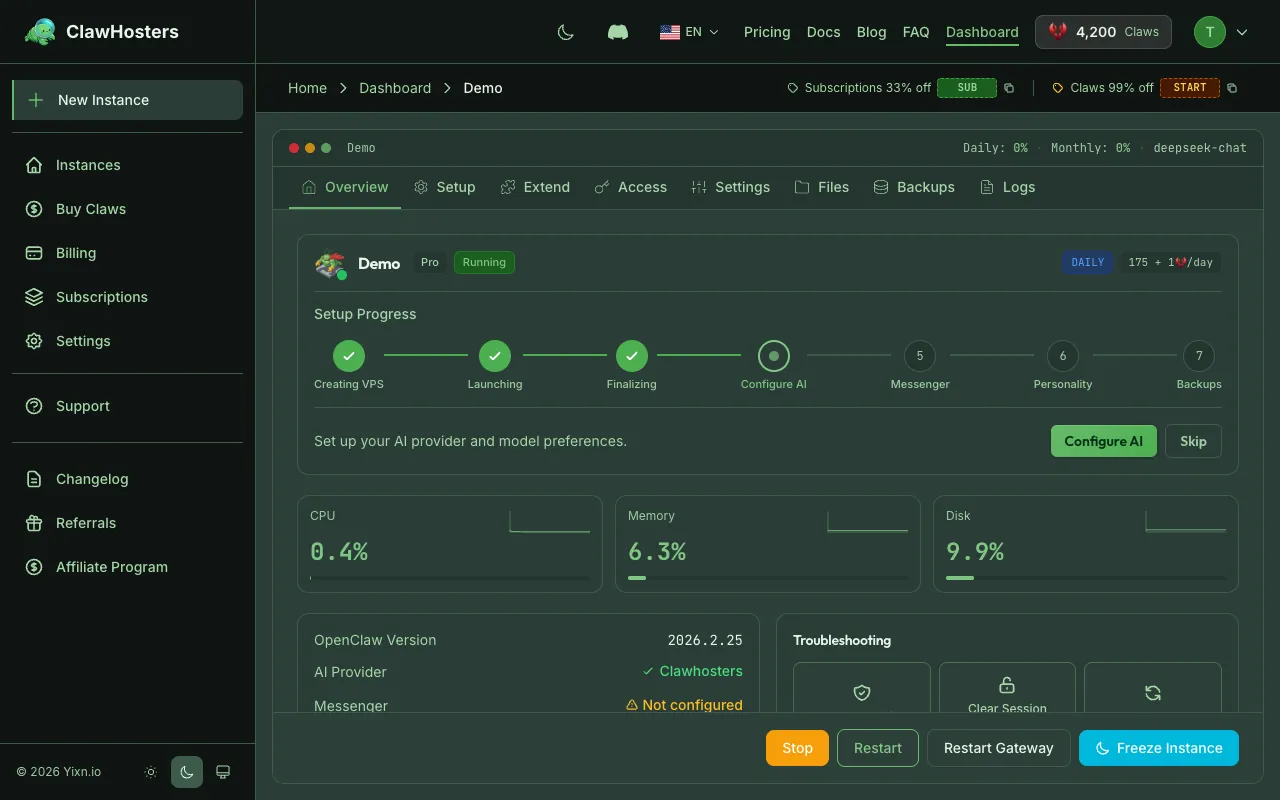
Understanding the data flow helps you make informed decisions about what you put into your OpenClaw instance and what stays under your control.
Data Stored by ClawHosters
The ClawHosters platform (clawhosters.com) stores account and billing data needed to run the service.
| Data | Location | Protection |
|---|---|---|
| Email address | ClawHosters database | Stored in PostgreSQL on a dedicated VPS in Germany |
| Account password | ClawHosters database | Hashed with bcrypt, original never stored |
| Billing records | ClawHosters database | Transaction history retained per German tax law |
| Instance metadata | ClawHosters database | Instance name, tier, status, IP address |
| API tokens | ClawHosters database | Hashed, only shown once on creation |
| LLM API keys (BYOK) | ClawHosters database | Encrypted with Rails credentials at rest |
All of this data lives on a server in Germany (Hetzner Cloud, Falkenstein data center). There are no replicas or backups stored outside of Germany.
Data Stored on Your Instance
Your OpenClaw instance runs on its own dedicated VPS. The data on that VPS is under your control.
| Data | Location | Who Can Access |
|---|---|---|
| AI conversations and chat history | Your VPS | You (via web UI, channels, or SSH). ClawHosters does not access this data unless required for support. |
| Instance configuration (openclaw.json) | Your VPS | You and ClawHosters (for maintenance and updates) |
| Installed skills and plugins | Your VPS | You and ClawHosters (for maintenance) |
| Container logs | Your VPS | You and ClawHosters (for support and monitoring) |
ClawHosters maintains SSH access to customer instances for maintenance, updates, and support purposes. However, customer conversation data is not accessed unless specifically required to resolve a support request. The chat data stays on your VPS and is not transmitted to ClawHosters servers.
If you enable SSH access, you have full root access to the VPS and can inspect, export, or delete any data on it.
Data Stored by Third Parties
Some data is handled by external services as part of payment processing and LLM routing.
| Data | Service | What They Receive |
|---|---|---|
| Payment method (credit card, bank) | Stripe | Card/bank details for payment processing |
| Cryptocurrency payments | Coinbase Commerce | Wallet address and payment amount |
| LLM prompts and responses | LLM provider (OpenAI, Anthropic, Google, etc.) | Your prompts if using managed LLM or BYOK |
Credit card numbers and bank details never touch ClawHosters servers. Stripe handles all payment data and is PCI DSS compliant.
When you use a managed LLM add-on or BYOK, your prompts are sent directly to the LLM provider. ClawHosters routes the request but does not store the prompt content or the response.
Different LLM providers operate under different legal jurisdictions. Some are based in the USA (subject to the CLOUD Act), some in China, and some in the EU. This affects how your prompts are handled once they leave your German VPS. For a full breakdown of each model's provider, jurisdiction, and data training policy, see LLM Add-on: Model Privacy and Jurisdiction.
Data Encryption
| Layer | Method |
|---|---|
| Data in transit | TLS (HTTPS) for all web traffic and API calls |
| Passwords | bcrypt hashing |
| API tokens | SHA256 hashing |
| BYOK API keys | Rails encrypted credentials (AES-256-GCM) |
| Database at rest | Hetzner disk encryption on the underlying storage |
| Instance VPS disk | Hetzner disk encryption on the underlying storage |
The database and VPS disks use the encryption provided by Hetzner Cloud's storage layer. This protects against physical access to the drives but does not encrypt individual database fields (except for BYOK keys, which are encrypted at the application level).
What We Do Not Store
- Credit card numbers or bank account details (Stripe handles these entirely)
- The content of your AI conversations (stays on your VPS)
- Your LLM prompts or responses (routed, not stored)
- Hetzner API keys from customers (we use our own provisioning keys)
- SSH private keys (you keep those; we only store the public key hash)
Data Deletion
When you delete your ClawHosters account:
- Instance data. Your VPS and any snapshots are deleted within 24 hours
- Account data. Email, profile, and instance metadata are deleted within 30 days
- Billing records. Retained for 10 years per German tax law (GoBD)
- Stripe data. Managed by Stripe per their retention policy
You can also delete individual instances at any time from your dashboard. When an instance is deleted, the VPS is destroyed and any associated snapshots are removed.
Data Portability
You can export your data at any time:
- AI conversations: Access your instance via SSH or the web UI and copy your conversation history
- Instance configuration: Download your
openclaw.jsonfrom the dashboard or via SSH - Billing history: Available in your dashboard under Billing
- Account data: Contact support to request a full data export
Related Docs
- Security Overview: Infrastructure, container, and data protection measures
- GDPR Compliance: Your rights under GDPR and how to exercise them
- Authentication and Access Control: How each access method is protected
Related Documentation
Security Overview
How We Protect Your Data Every ClawHosters instance runs on its own dedicated Hetzner Cloud VPS ...
GDPR Compliance
GDPR and ClawHosters ClawHosters operates under the General Data Protection Regulation (GDPR) as...
LLM Add-on (BYOK vs Managed)
How LLM Works on ClawHosters Every OpenClaw instance can use a large language model for conversa...
