
Loading...
> docs/network-security
Network Security
4 min read
Security
Last updated March 05, 2026
Firewall and Network Hardening
Every ClawHosters instance runs on its own dedicated VPS with a strict firewall applied before any customer workload starts. The default policy drops all inbound traffic except what is explicitly needed.
This page explains the specific rules in place, what they protect against, and what you can expect from the network layer.
Inbound Firewall Rules
The firewall uses a default DROP policy on the INPUT chain. Only the following traffic is allowed in:
| Port | Protocol | Purpose |
|---|---|---|
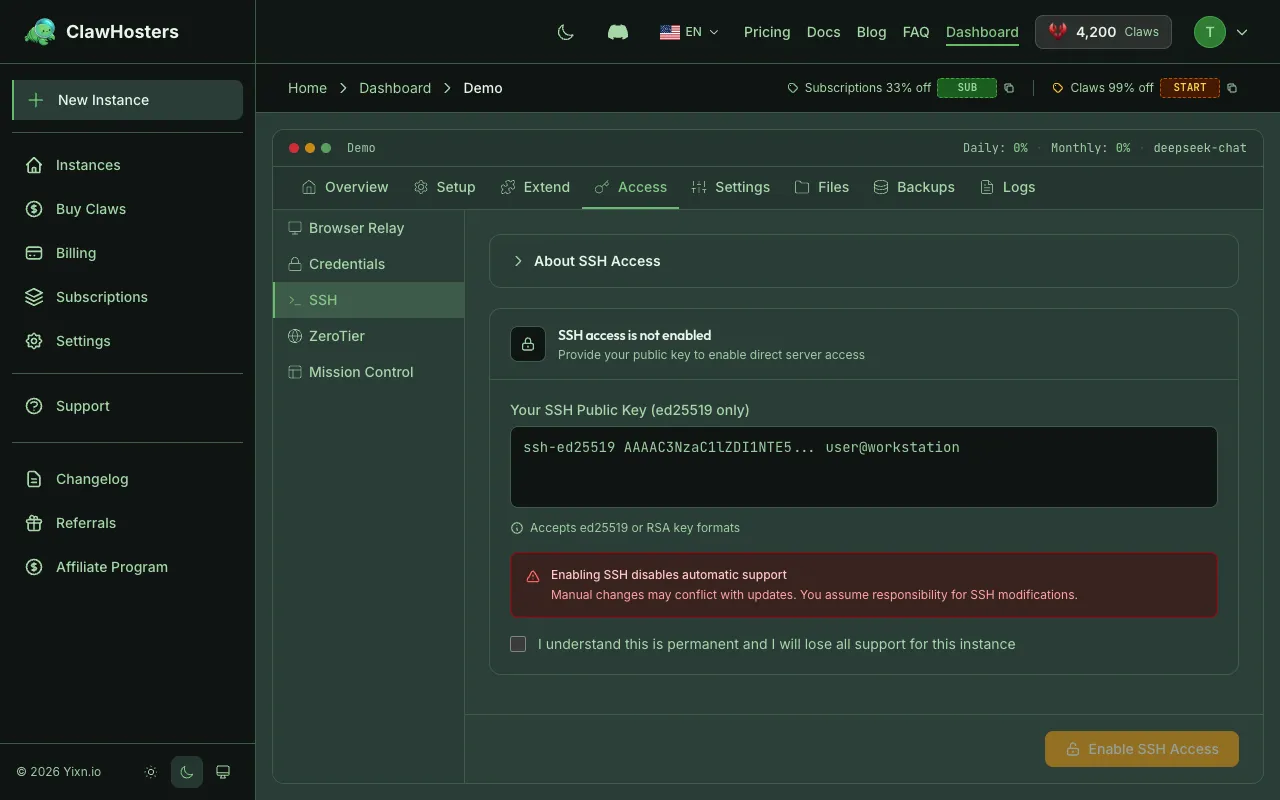
| 22 | TCP | SSH access (disabled unless you enable it) |
| 8080 | TCP | OpenClaw Gateway web interface |
| -- | -- | Established and related connections (return traffic for outbound requests) |
| -- | -- | Loopback (localhost communication within the VPS) |
Everything else is dropped silently. There is no response to port scans or connection attempts on unlisted ports.
What This Means in Practice
Your instance only exposes two ports to the internet: SSH and the web UI. If you have not enabled SSH access, port 22 is open at the firewall level but has no authorized keys configured, so connections are rejected by the SSH daemon.
The web UI on port 8080 is protected by HTTP basic authentication. The combination of firewall rules and gateway auth means an attacker would need both network access and valid credentials to interact with your instance.
Outbound Firewall Rules
Outbound traffic is allowed by default with specific exceptions. Outbound email and IRC traffic is restricted to prevent abuse:
Your instance can make outgoing HTTP/HTTPS requests, connect to APIs, download packages, and perform other standard network operations. If your use case requires sending email, you can use a third-party email API (like Mailgun or SendGrid) over HTTPS.
Connection Rate Limiting
Inbound connection attempts are rate-limited to prevent port scanning and flood attacks. Legitimate users connecting to SSH or the web UI will not notice any delay. Rapid probing attempts are automatically blocked.
SSH Brute Force Protection
Automated protection monitors SSH login attempts and temporarily blocks IPs that fail authentication repeatedly. The ban is automatic and does not require any action from you.
If you lock yourself out (for example, by using the wrong SSH key), the ban will expire automatically. There is no way to manually unban an IP from the dashboard.
Note: This protection only applies if SSH access is enabled on your instance. If SSH is not enabled, there are no login attempts to monitor.
Container Isolation
Each instance runs in a Docker container on its own dedicated VPS. There is no shared networking between customers. Each VPS has its own isolated Docker environment with no container co-tenancy.
Required ports are mapped on the VPS for the web UI, metrics collection, and optional SSH access. The network-level firewall restricts access to these ports so that only authorized infrastructure can reach them. No port is directly reachable from the public internet.
Cloud-Level Firewall
In addition to the host-level firewall rules on each VPS, all ClawHosters instances are protected by a network-level firewall that operates outside the VPS itself. This firewall restricts all inbound traffic to only authorized infrastructure components.
Access is restricted to only trusted sources for management and monitoring. Public access is limited to health check protocols only. This is a defense-in-depth measure: even if host-level rules were misconfigured, the network-level firewall still blocks unauthorized access before traffic ever reaches the VPS.
The firewall is applied automatically when a new instance is created. It cannot be modified through the dashboard.
What You Cannot Change
The firewall and brute force protection configuration is applied during instance provisioning and cannot be modified through the dashboard or API. This is intentional: consistent security baselines across all instances reduce the risk of misconfiguration.
If you enable SSH access, you can inspect the firewall rules on your VPS, but modifying them is not recommended. Changes will not persist through instance rebuilds or snapshot restores.
Related Docs
- Security Overview: Infrastructure, container, and data protection measures
- Authentication and Access Control: How each access method is protected
- SSH Access to Your Instance: Enabling and using SSH on your VPS
Related Documentation
Security Overview
How We Protect Your Data Every ClawHosters instance runs on its own dedicated Hetzner Cloud VPS ...
Abuse Policy and Acceptable Use
Acceptable Use ClawHosters provides managed hosting for OpenClaw instances. Every customer share...
Architecture Overview
How ClawHosters Works ClawHosters is a managed hosting platform for OpenClaw, an open-source AI ...
