
Loading...
> docs/contact-support
How to Contact Support
3 min read
Support
Last updated March 12, 2026
Getting Help
If you run into an issue with your ClawHosters instance or have a question about billing, configuration, or anything else, the fastest way to get help is through the built-in support ticket system.
Creating a Support Ticket
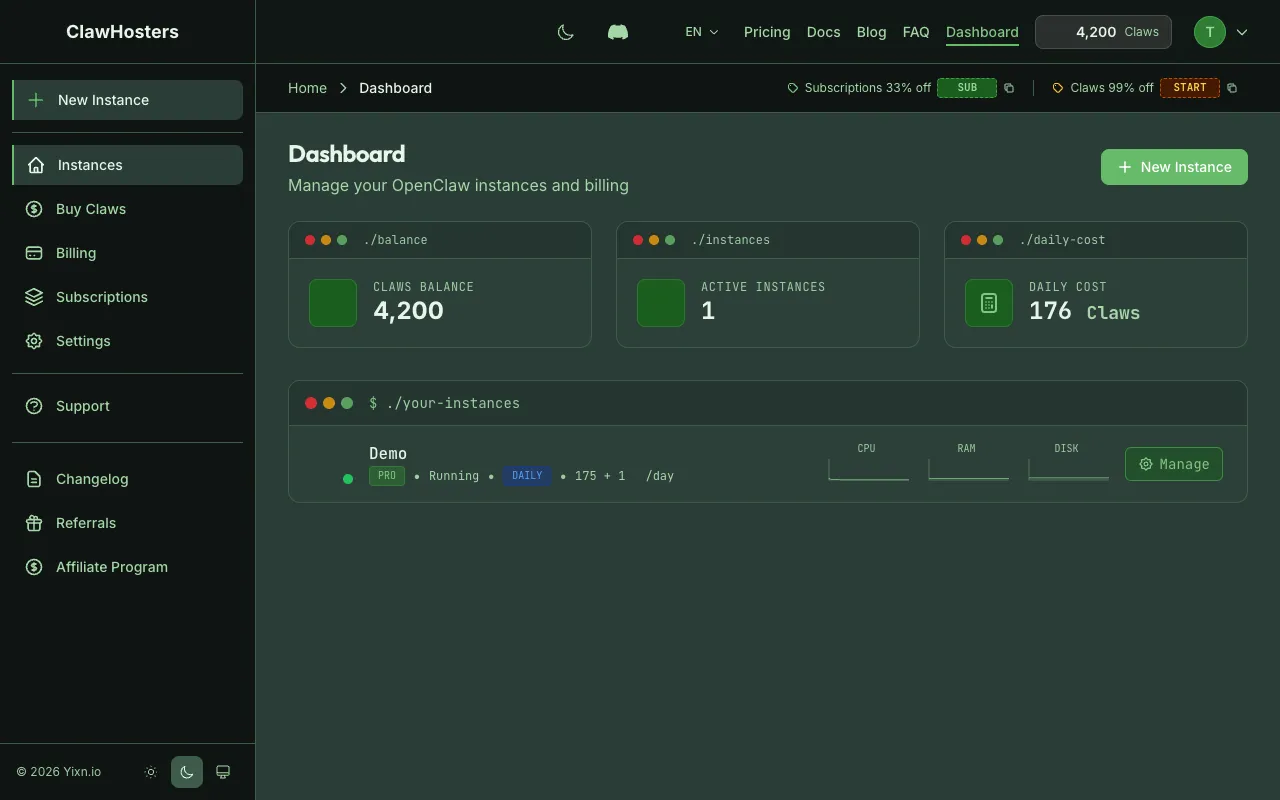
- Log in to your ClawHosters dashboard
- Click Support in the navigation
- Click New Ticket
- Select a category that best describes your issue
- Enter a subject line
- Describe the issue in the message field
- Submit the ticket
You will receive an email confirmation once the ticket is created.
Ticket Categories
Choose the category that best fits your issue. This helps the support team route your request to the right person.
| Category | When to Use |
|---|---|
| Bug Report | Something is broken or not working as expected |
| Billing | Questions about charges, invoices, Claws balance, or payment methods |
| Instance Issue | Problems with your VPS, deployment, or container |
| AI Issue | LLM configuration, API key problems, or AI response issues |
| Feature Request | Suggestions for new features or improvements |
| General Question | Anything that doesn't fit the categories above |
What to Include in Your Ticket
The more detail you provide, the faster the support team can help. Include:
- Instance name. Which instance is affected (if applicable)
- What you expected. What you were trying to do
- What happened instead. The actual behavior or error message
- Steps to reproduce. How to trigger the issue (if it is repeatable)
- Screenshots. Attach any relevant screenshots if the issue is visual
For billing questions, include the approximate date and amount in question.
Response Times
The support team typically responds within 24 hours on business days. Tickets are handled in the order they are received, but urgent issues (instance down, billing errors) are prioritized.
Tracking Your Ticket
After creating a ticket, you can track its status from the Support page in your dashboard.
| Status | What It Means |
|---|---|
| Open | Your ticket has been received and is waiting for review |
| In Progress | The support team is actively working on your issue |
| Resolved | The issue has been addressed. Check the response |
| Closed | The ticket is closed and no further action is needed |
You will receive email notifications when the support team replies or when your ticket is resolved.
Replying to a Ticket
To add more information or follow up on an open ticket:
- Go to Support in your dashboard
- Click on the ticket
- Type your reply in the message field
- Submit
You can only reply to tickets that are in Open or In Progress status. Resolved and closed tickets don't accept new replies.
Email Support
You can also reach support by emailing support@clawhosters.com. The support team monitors this inbox and will follow up with you.
For the fastest response, use the dashboard ticket system. It automatically includes your account context and instance information.
Before Contacting Support
Check these resources first. Your question may already be answered:
- Troubleshooting Common Issues. Solutions for frequent problems
- Instance Overview. How instances work, status meanings, and lifecycle
- Billing Overview. How billing, Claws, and payments work
- Security Overview. Infrastructure and data protection details
Related Documentation
- Troubleshooting Common Issues. Solutions for frequent problems
- Quickstart Guide. Full setup from account creation to running instance
- Choosing the Right Tier. Tier comparison and resource limits
Related Documentation
What is ClawHosters?
Managed OpenClaw Hosting ClawHosters is a managed hosting platform for OpenClaw AI assistants. Y...
Quickstart Guide
Before You Start You need a ClawHosters account. If you haven't signed up yet, head to clawhoste...
Account Setup
Creating Your Account Head to clawhosters.com and click Get Started or Sign Up. You have two opt...
