
Loading...
> docs/rebuild
Rebuilding an Instance
4 min read
Instances
Last updated March 05, 2026
Overview
Rebuilding an instance performs a factory reset. It wipes all configuration and data from the container, then reinstalls from a clean snapshot. The server itself stays the same. Your IP address and subdomain do not change. But the container is replaced with a fresh one.
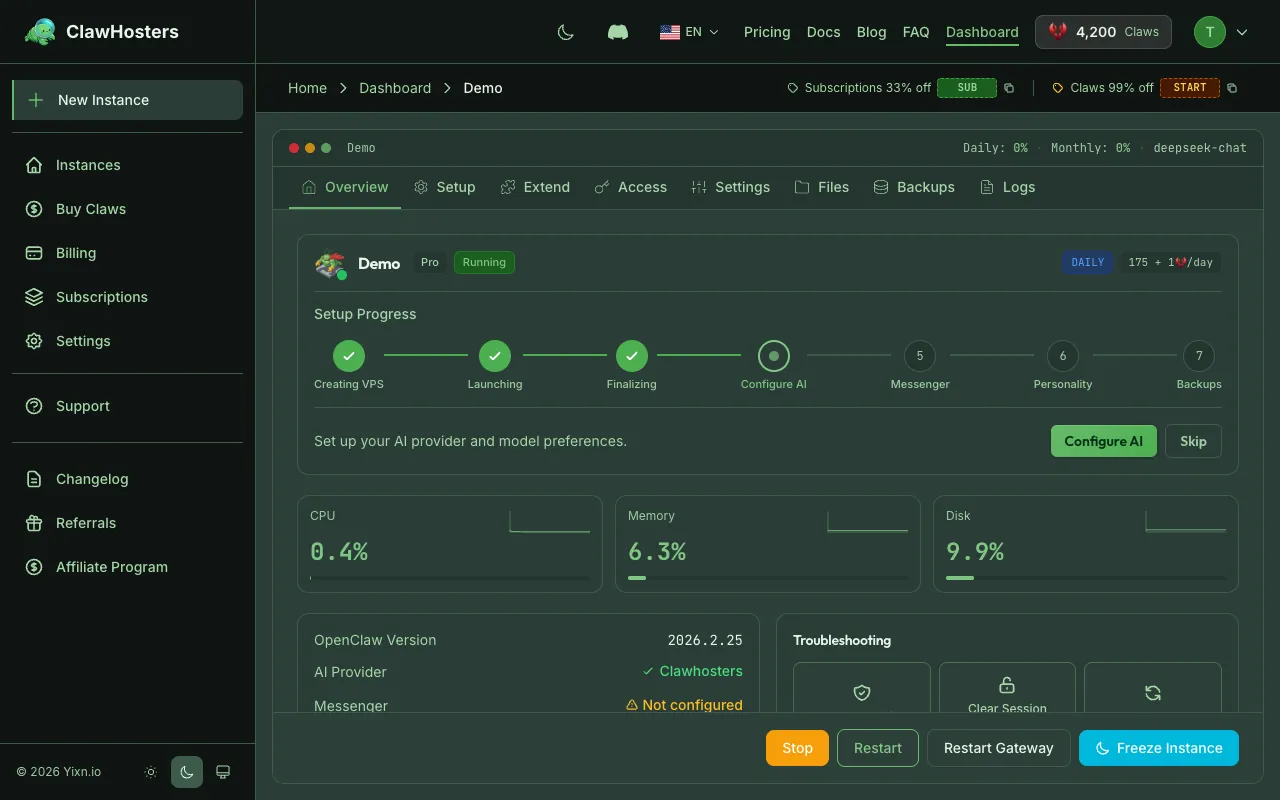
After a rebuild, the instance is in a "Pending Configuration" state. You need to reconfigure your LLM API key, reconnect messenger channels, and re-enable SSH access if needed.
What Gets Preserved
The rebuild keeps everything that belongs to the server and your ClawHosters account:
| Preserved | Details |
|---|---|
| Instance name | The name you chose when creating the instance |
| Tier | Budget, Balanced, or Pro. Unchanged. |
| Billing mode | Daily or monthly subscription. Unchanged. |
| Subdomain | Your *.clawhosters.com subdomain stays the same |
| Gateway token | The authentication token for your instance |
| Web access password | HTTP basic auth password for the gateway interface |
| Server IP | The VPS IP address does not change |
What Gets Wiped
Everything inside the container is permanently deleted:
| Wiped | Details |
|---|---|
| LLM API keys | Any configured OpenAI, Anthropic, or other provider keys |
| Messenger configurations | Telegram, WhatsApp, Discord, and Slack tokens and settings |
| SSH access settings | Custom SSH keys and access configuration |
| Health metrics | Historical health check data and resource usage metrics |
| Container data | All files and data stored inside the Docker container |
| Chat history | Any conversation history stored on the instance |
| Custom modifications | Packages installed via SSH, custom scripts, modified configs |
When to Rebuild
Rebuilding is useful when:
- Instance is stuck in an error state and restarting does not resolve it
- Configuration is corrupted and the instance behaves unexpectedly
- You want a clean start without creating a new instance
- Deploy failed and retrying the deployment does not work
Try restarting your instance first. Rebuilding is a more drastic step that erases all configuration.
How to Rebuild
- Go to your instance dashboard
- Scroll down to the Danger Zone section
- Click Rebuild Instance
- Read the warnings carefully. All data will be permanently deleted.
- Type your instance name to confirm
- Click Confirm
- The instance status changes to Provisioning
- Wait for re-provisioning to complete (approximately 60 seconds)
- Reconfigure your LLM API key and messenger channels
Allowed States for Rebuild
Rebuilding is only available when the instance is in certain states:
| State | Rebuild Allowed |
|---|---|
| Running | Yes |
| Stopped | Yes |
| Deploy Failed | Yes |
| Error | Yes |
| Pending Configuration | Yes |
| Provisioning | No. Wait for provisioning to finish. |
| Deploying | No. Wait for deployment to finish. |
| Paused | No. Resume the instance first. |
If your instance is currently provisioning or deploying, wait for the process to complete before attempting a rebuild.
After Rebuilding
Once the rebuild completes, your instance is in the Pending Configuration state. To get it running again:
- Configure your LLM API key. Go to instance settings and enter your API key.
- Reconnect messenger channels. Set up Telegram, WhatsApp, Discord, or Slack tokens again.
- Re-enable SSH access. If you previously had SSH access, configure it again.
- Reconfigure any custom settings. Web access, instance name display, and other preferences.
The instance starts accepting requests once you configure an LLM API key.
Billing Impact
Rebuilding does not affect billing:
- Daily billing continues as normal. You are billed for each day the instance exists, regardless of rebuilds.
- Monthly subscriptions are unaffected. Your subscription period and renewal date do not change.
A rebuild does not count as creating a new instance. No additional charges apply.
Important Warnings
- All data on the instance is permanently deleted. There is no way to recover wiped configuration, chat history, or custom modifications after a rebuild.
- Custom SSH modifications are lost. Any packages you installed, scripts you created, or configuration files you changed via SSH will not survive a rebuild.
- This action cannot be undone. Once you confirm the rebuild, the process starts immediately.
- Back up important data first. If you have configuration values you want to preserve (API keys, tokens), note them down before rebuilding.
Related Documentation
- Instance Overview. Instance statuses, lifecycle, and tiers
- Instance Settings and Configuration. LLM, messaging, and web access settings
- Deleting an Instance. Permanently removing an instance
- Troubleshooting Common Issues. Solutions for frequent problems
Related Documentation
Instance Overview
What Is an Instance? An instance is a dedicated OpenClaw server running on ClawHosters. It is yo...
Backup Add-on
What the Backup Add-on Does The backup add-on creates regular snapshots of your OpenClaw instanc...
Config Backups
What Config Backups Are Config backups are automatic snapshots of your instance's openclaw.json ...
