

ClawHosters
by Daniel Samer
3 min read
Loading...
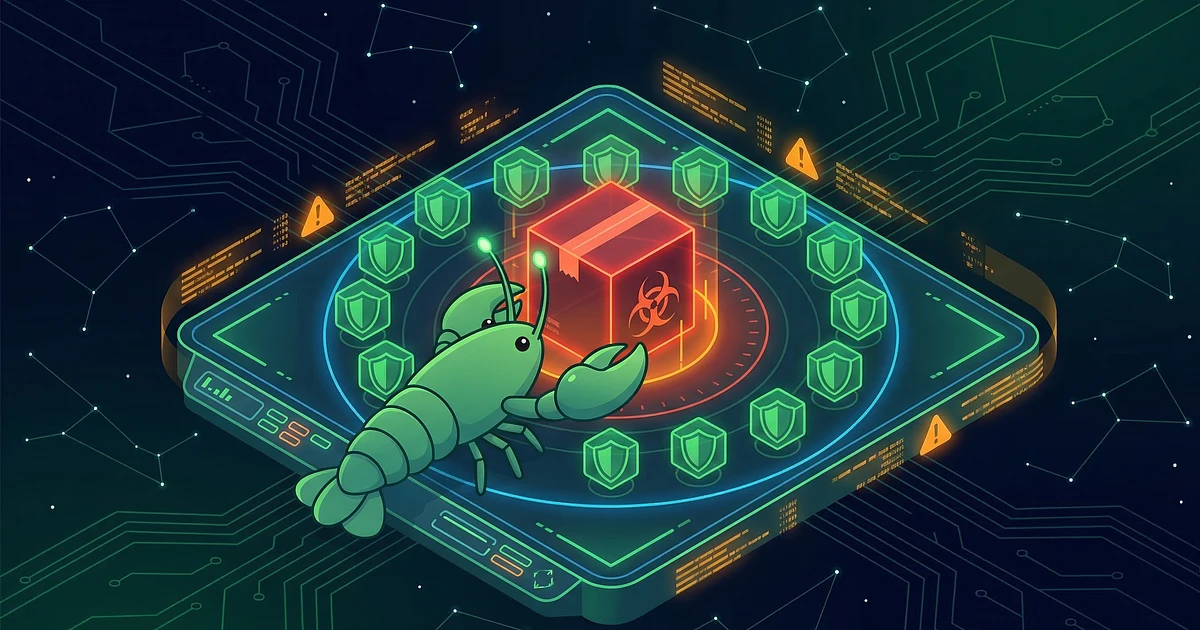
A malicious npm package called @openclaw-ai/openclawai sat on the npm registry for seven days, from March 3 to March 10, and infected 178 machines before npm pulled it. JFrog security researchers discovered the package and named this OpenClaw npm malware campaign "GhostClaw." The malware calls itself GhostLoader.
The attack was well crafted. After running npm install -g @openclaw-ai/openclawai, victims saw a convincing fake CLI with animated progress bars and service startup messages. It looked like a real OpenClaw installation.
Then a fake macOS Keychain prompt appeared, identical to the real thing. It even validated against the actual OS authentication API, showing "Authentication failed" on wrong attempts. Up to five tries.
Once GhostLoader had the system password, it went to work. According to The Hacker News, the malware steals macOS Keychain credentials, Chromium browser data (passwords, cookies, saved cards), crypto wallets like Exodus and MetaMask, SSH keys, AWS/Azure/GCP credentials, iMessage history, and Apple Notes.
But credential theft is only half of it. GhostLoader also installs a persistent RAT with remote shell access, a SOCKS5 proxy, and live browser session cloning via Chrome DevTools Protocol. That last one is the scary part. It gives the attacker authenticated access to every service you're logged into, bypassing MFA entirely.
Here's what matters. The official OpenClaw npm package is openclaw, installed via npm install -g openclaw@latest. You can verify this in the official OpenClaw install docs.
The fake package used @openclaw-ai/openclawai. Two differences: the scoped organization prefix @openclaw-ai/ and the -ai suffix on the package name. Plausible enough to fool someone who didn't double check.
Running npm uninstall won't clean up the infection. GhostLoader copies itself to ~/.cache/.npm_telemetry/monitor.js and adds shell hooks to .zshrc, .bashrc, and .bash_profile disguised as # NPM Telemetry Integration Service. If you installed this package, you need manual cleanup and full credential rotation.
If you're running OpenClaw through ClawHosters, your instance runs via Docker on our managed infrastructure. Not via a local npm install. This attack vector doesn't apply to managed hosting customers.
If you also run OpenClaw locally on your own machine, check whether you ever installed anything from the @openclaw-ai scope. Read the full security hardening guide for best practices, or get started with managed hosting to avoid local install risks entirely.
No official statement from the OpenClaw project has been published as of March 15, 2026.
No. The official package `openclaw` was not affected. The attacker created a separate, fake package under the scoped name `@openclaw-ai/openclawai`. If you installed OpenClaw using `npm install -g openclaw@latest`, you're fine.
No. ClawHosters instances run via Docker on managed infrastructure. The malicious npm package only affects machines where someone manually ran `npm install -g @openclaw-ai/openclawai`. Your hosted instance was never exposed to this.
Remove the hidden directory at `~/.cache/.npm_telemetry/`, clean the shell hooks from `.zshrc`/`.bashrc`/`.bash_profile`, and rotate every credential on that machine. Passwords, SSH keys, API tokens, crypto wallet seeds. Assume everything was exfiltrated.
*Last updated: March 2026*

On May 10, Hermes Agent by Nous Research passed OpenClaw in daily token usage on OpenRouter. Hermes hit 224 billion daily tokens against OpenClaw's 186 billion. By May 21 the gap had widened: 458 billion vs 173 billion.
A UK CEO's live OpenClaw instance showed up on BreachForums in February. Price tag: $25,000 in Monero. The listing advertised full access to the CEO's AI conversations, production database, Telegram bot tokens, and Trading 212 API keys. All stored in plaintext Markdown files.
On April 22, 2026, OpenAI announced Workspace Agents for ChatGPT Business and Enterprise customers. Think always-on, cloud-hosted AI agents that plug into Slack, Salesforce, Google Drive, and about a dozen other enterprise tools.
