

ClawHosters
by Daniel Samer
3 min read
Loading...
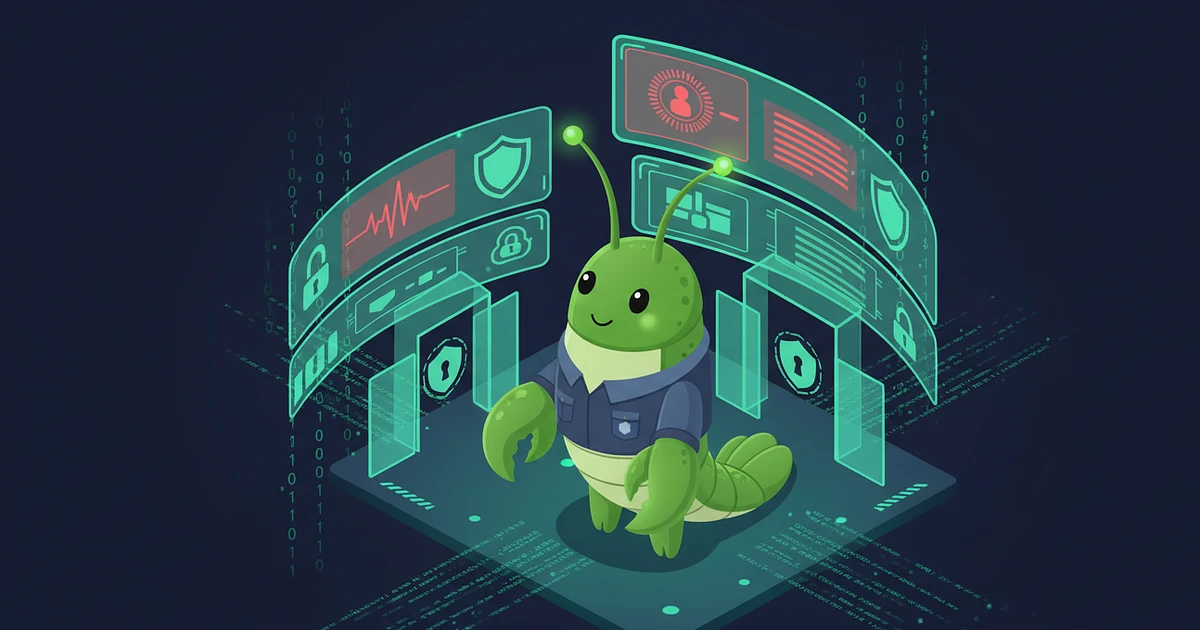
Visit the wrong website. Lose control of your AI agent. That's the reality of ClawJacked — a critical vulnerability discovered by Oasis Security that lets any webpage silently take full control of a self-hosted OpenClaw instance.
No plugins required. No user interaction. Just a browser tab.
OpenClaw runs a gateway service on your local machine that exposes a WebSocket interface on localhost. The problem: browsers don't block cross-origin WebSocket connections to localhost. Unlike regular HTTP requests, CORS doesn't apply here.
The attack chain:
"A developer has OpenClaw running on their laptop... They're browsing the web and accidentally land on a malicious website. That's all it takes," Oasis Security wrote in their disclosure.
Full control. Specifically:
Read your private messages — Slack history, stored conversations
Steal API keys — dump the entire gateway config including LLM provider credentials
Execute commands — run system commands on connected devices
Exfiltrate files — pull documents from your machine through the agent
For developers with typical integrations, ClawJacked means full workstation compromise from a browser tab.
OpenClaw classified ClawJacked as high severity and shipped a patch in version 2026.2.25 — less than 24 hours after disclosure. If you self-host OpenClaw, update immediately.
Oasis Security praised the turnaround, especially for a volunteer-driven open-source project.
ClawJacked depends on one thing: a gateway running on your local machine. The entire attack chain starts with a WebSocket connection to localhost.
With managed hosting, your OpenClaw gateway runs on a remote server — not your laptop. There's no localhost gateway to connect to. The attack vector doesn't exist.
Self-hosted means every browser tab is a potential attack surface. Managed means your agent lives behind server-level firewalls and network isolation, completely separated from your browsing environment.
ClawJacked is a critical vulnerability discovered by Oasis Security that allows any website to hijack a self-hosted OpenClaw agent through a localhost WebSocket connection. No user interaction is needed.
If you run OpenClaw on your local machine with a version older than 2026.2.25, you're vulnerable. Update immediately.
No. ClawJacked requires the gateway to run on localhost. ClawHosters runs your agent on a remote server, making this attack impossible.

On May 10, Hermes Agent by Nous Research passed OpenClaw in daily token usage on OpenRouter. Hermes hit 224 billion daily tokens against OpenClaw's 186 billion. By May 21 the gap had widened: 458 billion vs 173 billion.
A UK CEO's live OpenClaw instance showed up on BreachForums in February. Price tag: $25,000 in Monero. The listing advertised full access to the CEO's AI conversations, production database, Telegram bot tokens, and Trading 212 API keys. All stored in plaintext Markdown files.
On April 22, 2026, OpenAI announced Workspace Agents for ChatGPT Business and Enterprise customers. Think always-on, cloud-hosted AI agents that plug into Slack, Salesforce, Google Drive, and about a dozen other enterprise tools.
