

ClawHosters
by Daniel Samer
5 min read
Loading...
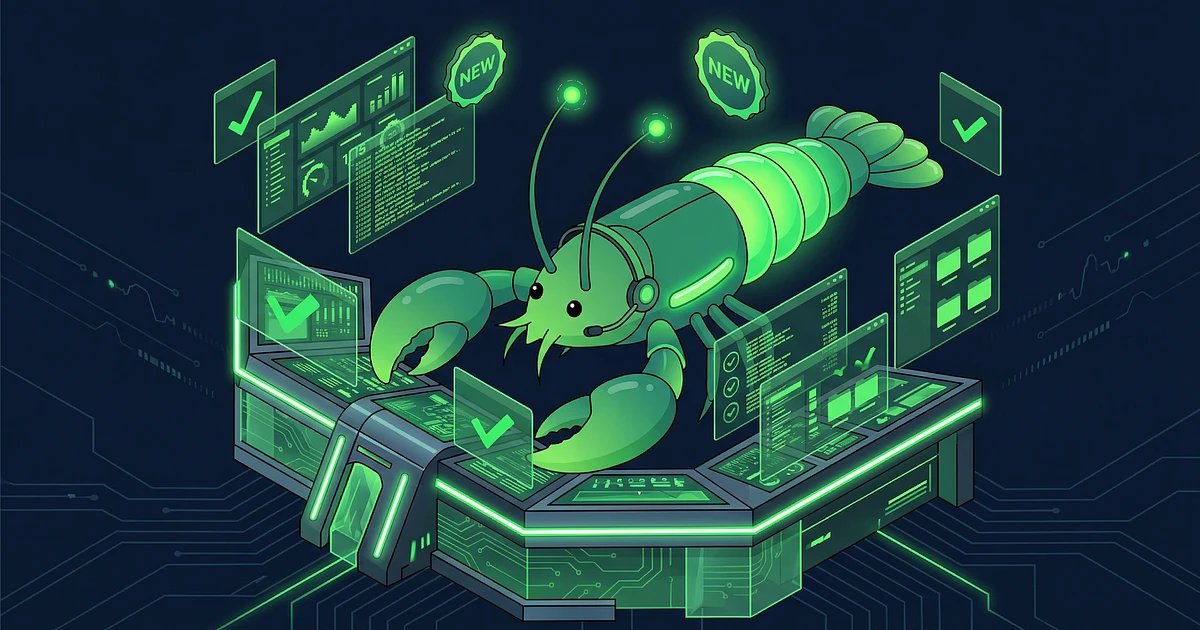
The last few weeks have been intense. I've completely rewritten the ClawHosters dashboard, shipped a bunch of new features, and fixed things that had been bugging me for a while. Here's what changed and where to find everything.
The instance dashboard is brand new. Not just a visual refresh. I rebuilt it from scratch. It loads faster, the navigation makes more sense, and the tabs are logically organized now. If you've used the old dashboard, you'll notice the difference right away. Fewer clicks, less loading, less confusion.
This was one of the most requested features. There's now a Logs tab in the dashboard. You can watch your instance logs in real time, right in the browser. No SSH, no terminal. When your agent does something unexpected, or you just want to see what's going on, open the Logs tab and watch.
I use this myself constantly for debugging. Saves a ton of time.
Right next to the Logs tab, you'll find the new File Explorer. Browse and manage your instance files directly in the browser. Check config files, look through logs, inspect uploads. All without SSH access.
For Balanced and Pro users, there's now Mission Control. It's a dedicated tab in the dashboard that gives you a bird's-eye view of your agent's activity. Which messages came in, how the agent responded, what tools were used. Think of it as a control room for everything your OpenClaw agent does.
If you're on the Budget tier: Mission Control is available starting from the Balanced plan. You can upgrade anytime if you want to try it.
A lot happened here. You'll find the LLM configuration in the Hosting tab under the LLM section.
OpenRouter is now available. One API key, access to hundreds of models. If you want to switch between different models without setting up a new key every time, OpenRouter is the simplest way to do it.
OpenAI Codex works through an OAuth connection. You connect your OpenAI account directly, no API key needed. Just log in and you're done.
Kimi K2.5 is available as a free model. It has daily limits, but for many use cases that's more than enough. Good entry point if you want to test things without spending money on LLM credits.
On top of that, xAI Grok, Z.AI, and NVIDIA are now available as additional providers. The selection has grown quite a bit.
Automatic backups are now available as an add-on. You'll find the option on the Subscription page in the sidebar. Turn it on, and your instance data gets backed up regularly. I'd recommend it for anyone running their agent in production.
Need more messages per day but don't want to upgrade your entire plan? There's now an add-on for higher LLM limits. Also on the Subscription page. You stay on your current tier but get more room for LLM requests.
This one fixes a problem that honestly surprised me. Sometimes an agent messes up its own configuration. It changes something it shouldn't have, and suddenly something stops working.
ClawHosters now detects this automatically and repairs the config. If the automatic repair doesn't catch it, you can trigger a manual repair from the Troubleshooting tab.
Plan, add-ons, billing. All in one place. You'll find Subscription in the sidebar now. See your current plan, activate add-ons, and get an overview of your billing. Before this, everything was spread across different pages.
Beyond the big features, there have been many smaller improvements. Faster load times in various places, better error messages, more consistent navigation. The kind of work that doesn't show up on a feature list but you notice in daily use.
A few things I'm currently working on or that are on the roadmap:
Multi-LLM setup with fallback: Configure multiple models, automatically switch if one goes down
Tier upgrades from the dashboard: Switch plans directly without going through the Subscription page
Tutorial and onboarding: Better introduction for new users
Browser relay: OpenClaw controls your local browser
Smart update scheduling: Run updates automatically during offline hours
Docs and FAQ overhaul: Better documentation
If you have questions, something isn't working, or you want to share a feature idea, join the ClawHosters Discord. I'm there regularly and always happy to hear feedback.
Daniel

On May 10, Hermes Agent by Nous Research passed OpenClaw in daily token usage on OpenRouter. Hermes hit 224 billion daily tokens against OpenClaw's 186 billion. By May 21 the gap had widened: 458 billion vs 173 billion.

A UK CEO's live OpenClaw instance showed up on BreachForums in February. Price tag: $25,000 in Monero. The listing advertised full access to the CEO's AI conversations, production database, Telegram bot tokens, and Trading 212 API keys. All stored in plaintext Markdown files.
On April 22, 2026, OpenAI announced Workspace Agents for ChatGPT Business and Enterprise customers. Think always-on, cloud-hosted AI agents that plug into Slack, Salesforce, Google Drive, and about a dozen other enterprise tools.
